bdd777 App
Play Anywhere on Your Phone
The free bdd777 app puts Cricket betting, Crash, Slots, and Live Casino in your pocket. Download the APK directly — no Play Store needed. Works on any Android phone running version 7.0 or above. Deposit from ৳200 with bKash or Nagad.
Android 7.0+ · 36 MB · Free to download
Scan with your phone camera to get the APK on Android instantly.
What You Can Do in the bdd777 App
Everything on the full website fits into the app — and a few things work better on mobile.
Cricket & Sports Betting
Bet on BPL, IPL, T20, ODI and international football from the app. Live match odds update in real time. Place bets during the match, not just before it starts. Minimum stake ৳10 on most markets. Scores and results show right inside the app.
Crash — Watch the Multiplier
Play Crash by Evolution inside the app with no lag. Set an auto cash-out multiplier so you never miss a good exit. Bet from ৳10 up to ৳5,000 per round. The app handles the animation smoothly even on older mid-range Android phones. RTP 95.7%.
Slots from Top Providers
Over 2,600 games including Rise of Apollo (JILI), Fortune Snake (Playtech), Cocktail Nights (JDB), and Circus Delight (Evolution) are playable on the app. Filter by provider or RTP. Load times are fast on a 4G connection. Free-spin rounds run without interruption.
Live Casino with Real Dealers
Join European Roulette Pro (Habanero) and other live tables via live video stream inside the app. Chat with the dealer, see the game history, and switch tables in one tap. Works well on Wi-Fi and 4G. Bet from ৳2 on live tables — entry point stays low.
bKash & Nagad Deposits
Open the Cashier tab from the app home screen and choose bKash, Nagad, Rocket, Upay, or Bank Transfer. Minimum deposit ৳200. Funds arrive in about 2 minutes after you confirm the mobile-money transfer. No browser tabs needed — the whole process stays inside the app.
Live Chat Support 24/7
Tap the chat icon in the app to reach a support agent any time — day or night, including public holidays. Response time is under 2 minutes for common queries. You can send screenshots of issues directly from your gallery through the chat window. Email [email protected] for account-level requests.
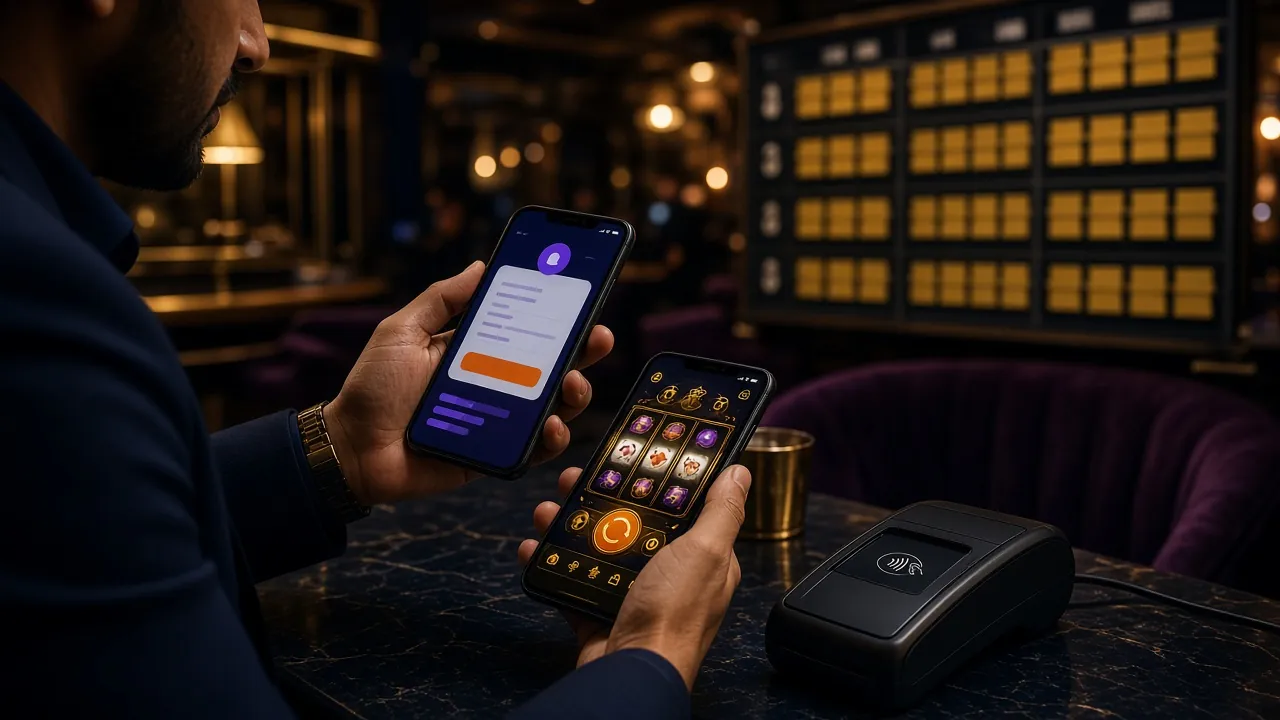
Is the APK Safe to Install?
The bdd777 APK is published by the platform itself — not a third-party store. Here is what the app does and does not access on your phone.
HTTPS Encrypted Connection
All data between the app and bdd777 servers travels over a TLS-encrypted connection. Your account credentials, payment details, and bet history are never sent as plain text. The same encryption standard used by banks applies here.
Minimal Android Permissions
The app only requests Internet access and Storage (to save the APK update file). It does not read your contacts, location, microphone, or camera. You can verify this under Settings > Apps > bdd777 > Permissions after installing.
No Auto-Updates Without Your Action
The app will notify you when a new version is available, but it will never download or install anything automatically. You choose when to update. This keeps your mobile data usage predictable. Version 2.4.13 is the current stable release.
Account-Level Security
Your bdd777 account uses the same login credentials on the app and the website. If you notice any unauthorised login attempt, contact support via Live Chat immediately. Changing your password on either platform updates it everywhere. Never share your password with anyone, including support agents.
Installing the APK on Android — Step by Step
The whole process takes about 3 minutes. Android blocks APK files from outside the Play Store by default, so you need to allow that first.
-
1
Allow Installation from Unknown Sources
Go to your phone's Settings, then open Apps (or Special App Access on some phones). Find "Install Unknown Apps" and turn it on for your browser or file manager. On Android 8 and above, you can allow this per app — only your browser needs the permission, not all apps. This setting stays off for everything else.
-
2
Download the bdd777 APK
Tap the "Download APK" button on this page from your Android phone's browser. The file is named bdd777.apk and is 36 MB. It saves to your Downloads folder automatically. Make sure you have enough storage space — at least 80 MB free is recommended to allow the installer to unpack cleanly without errors.
-
3
Open the Downloaded File
Once the download finishes, your browser will show a notification at the bottom of the screen. Tap "Open" on that notification, or go to your phone's Files / Downloads app and tap bdd777.apk. If your phone asks "Do you want to install this app?", tap Install. The process takes under 20 seconds.
-
4
Launch the App and Log In
After installation, tap "Open" on the success screen, or find the bdd777 icon on your home screen. If you already have a bdd777 account, enter your mobile number and password to log in. Your balance, bonuses, and bet history are all there immediately — synced with the website in real time.
-
5
New Player? Register Inside the App
If you do not have a bdd777 account yet, tap "Register" on the app's opening screen. Enter your mobile number, set a password, and confirm. The registration form inside the app is the same as on the website — takes under 2 minutes. After registering, make your first deposit of at least ৳200 to claim the welcome bonus. See the registration page for more details.
There is no iOS app in the App Store. iPhone and iPad users access bdd777 through Safari — the experience is fully optimised for mobile browsers. Add it to your home screen in 3 steps:
- Open https://bdd777.ws in Safari on your iPhone or iPad.
- Tap the Share icon (the box with an arrow pointing up) at the bottom of Safari.
- Scroll down and tap "Add to Home Screen", then tap Add. The bdd777 icon appears on your home screen and opens like a regular app.
All features — deposits, withdrawals, live betting, and chat support — are available through the Safari shortcut. No separate download needed.
Games Available in the App


bdd777 App — Version & System Info
Check whether your phone is compatible before downloading. The APK is free and there are no in-app charges beyond your normal deposits.
| App Name | bdd777 |
| Current Version | 2.4.13 |
| File Name | bdd777.apk |
| File Size | 36 MB |
| Minimum Android | Android 7.0 (Nougat) |
| Last Updated | 3 November 2026 |
| Price | Free |
| Languages | English, Bangla |
| iOS Support | Browser shortcut (Safari) |
| Developer | bdd777 |
Recommended: Android 9.0 or above for the smoothest live-streaming performance.
For Android 7.0+ · 36 MB · No registration needed to download
Point your camera at this QR code to open the download page directly on your Android phone.
App vs. Browser: What's Different?
The bdd777 app and the mobile website offer the same games and payment options. Here is where they differ in practice.
| Feature | bdd777 App (Android APK) |
Mobile Browser (iOS & Android) |
Desktop Browser |
|---|---|---|---|
| All Games Available | |||
| bKash / Nagad Deposit | |||
| Push Notifications for Odds | |||
| Works Without Opening Browser | |||
| Live Crash & Slots | |||
| Faster Loading on 4G | |||
| Works on iOS | |||
| No Play Store Account Needed | |||
| Home Screen Icon | Safari shortcut | ||
| File Size to Install | 36 MB | None | None |
= Fully supported = Not available
Common Installation Problems — Quick Fixes
If the APK does not install correctly, one of the five issues below is almost always the cause. Each has a straightforward fix.
| Problem | Likely Cause | What to Do |
|---|---|---|
| "Install blocked" message appears | Unknown Sources not enabled for your browser app | Go to Settings > Apps > your browser > Install Unknown Apps and switch it on. Try opening the APK file again after changing the setting. This is the most common issue on Android 8 and above. |
| APK download stops midway | Weak mobile data or Wi-Fi connection dropped during download | Switch to a stable Wi-Fi network, clear your browser's download queue, and tap the Download APK button again. The 36 MB file needs a steady connection for about 30–60 seconds on a typical 4G signal. |
| "App not installed" error after tapping Install | An older version of the bdd777 app is already on the phone, or the APK file is corrupted | Go to Settings > Apps, find bdd777, and uninstall it completely. Then re-download a fresh copy of bdd777.apk from this page and install again. Do not use a file you downloaded more than a few days ago. |
| App installs but crashes on opening | Android version below 7.0, or insufficient free RAM | Check your Android version under Settings > About Phone. If it is below 7.0, the app is not compatible — use the mobile browser instead by visiting bdd777.ws in Chrome. If Android version is fine, restart your phone and try opening the app again. |
| Cannot log in after installing | Incorrect password, or account not yet registered | Use the "Forgot Password" link on the app login screen to reset via your registered mobile number. If you have not registered yet, tap Register and create an account. Your bdd777 website credentials and app credentials are identical — no separate app account exists. |